
Best Desk Lamp for Home Office Eye Strain: What to Look For Before You Buy
Quick Answer
There is no single best lamp, but there is a best formula: a lamp that dims smoothly, adjusts color temperature (warm 2700K for evenings, neutral ~4000K by day), and sits to the side below your eye level. Honestly, balancing the room light — so your screen is not a glowing island in a dark room — fixes more strain than any purchase.
It Is Probably Not Your Screen
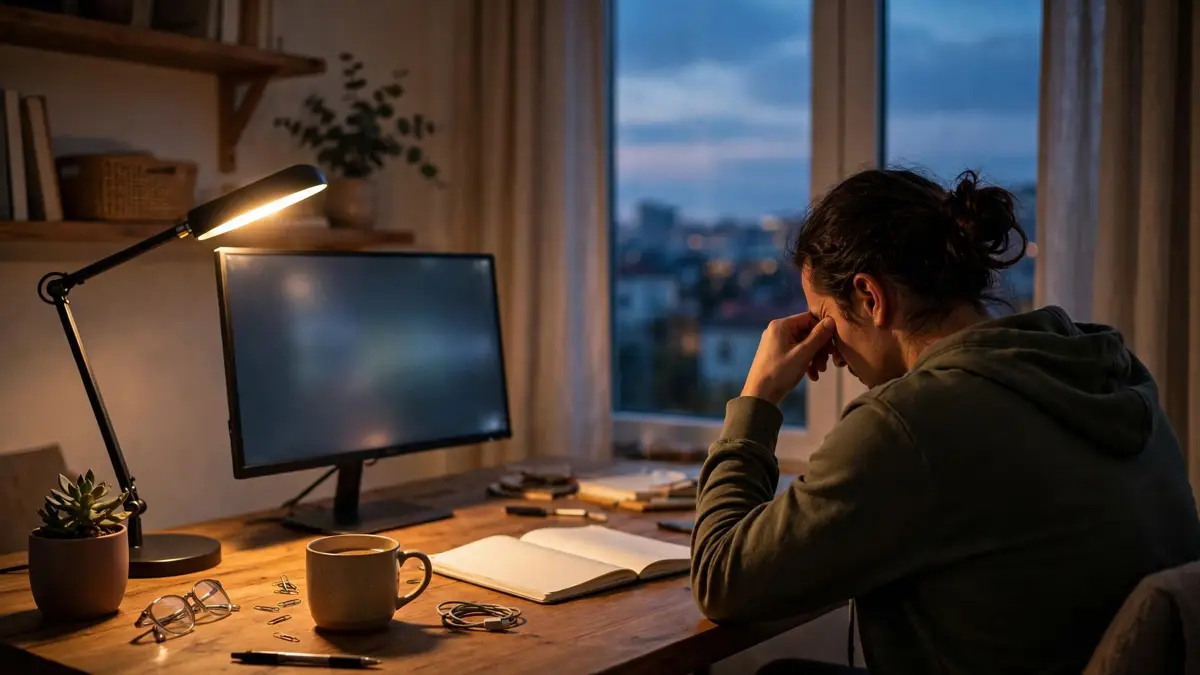
I spent six months convinced my monitor was dying. By four in the afternoon my eyes felt dry and gritty, I had a dull ache behind my forehead, and I was squinting at text I could read perfectly fine at nine in the morning. New monitor? No. Eye drops? Temporarily. What finally fixed it was moving a lamp. Not buying one — moving one I already owned. Eye strain at a desk is almost never about one villain. It is about contrast: a bright screen in a dim room, or a dark screen competing with a window. Your eyes are constantly adjusting between bright and dark zones, and that adjustment work is what wears them out. Before you spend a dollar on anything, understand that lighting balance matters more than any single product.
The Four Things Actually Hurting Your Eyes
First, glare on the screen. If you can see the reflection of a lamp or a window in your monitor, your eyes are fighting it all day. Second, a desk that is a bright island in a dark room. Your screen glows, everything around it is pitch black, and your pupils cannot settle. Third, a lamp shining straight into your eyes. This is the one almost everyone gets wrong — the shade should sit below your eye level, not above it. And fourth, flicker. Cheap dimmers can make LEDs flicker at a rate you do not consciously see but your eyes absolutely feel. Two of these are free to fix. That is worth knowing before you shop.
Brightness: What the Numbers Mean
Lamp brightness is measured in lumens. For desk work, something in the range of roughly 400 to 800 lumens is usually plenty — this is a modest desk lamp, not a stadium light. Honestly, the exact number matters less than one thing: can you turn it DOWN. A lamp with no dimmer forces you to live with one brightness setting, and it will be wrong half the day. Smooth dimming down to a low level is the single most useful feature on a desk lamp, full stop. On/off is not enough. Look for a lamp that dims in a continuous range, not one with just three clicky steps that jump from stadium to cave.
Color Temperature: The Warm-vs-Cool Thing, Explained
Color temperature is measured in Kelvin, and it is simpler than it sounds. Low numbers (2700-3000K) look warm and amber, like a living room at night. Middle numbers (around 4000K) look neutral, like daylight through a window. High numbers (5000-6500K) look cold and blueish, like a hospital corridor. For desk work during the day, neutral around 4000K feels right for most people. In the evening, warm 2700-3000K is kinder on the eyes. A lamp with adjustable color temperature lets you match the time of day, and if you work late it is worth paying a little extra for. A fixed 6500K cool-white lamp blasting at 10pm is a recipe for tired eyes and a ruined sleep schedule.
The Three Specs Nobody Should Oversell You
Here is my honest ranking of the spec sheet. Flicker-free (often marketed as DC dimming) matters the most — if you get headaches under dimmed LEDs, flicker is the usual suspect. Adjustable color temperature is next, because day and night are different use cases. High CRI — 90 or above — means colors look honest instead of washed out. It is genuinely nice if you do design work, and honestly kind of a luxury if you mostly do email and spreadsheets. Do not let a sales page convince you that a CRI of 95 will save your eyesight. It will not. It will just make your red mug look properly red. When you are reading reviews, ignore the star rating and search the comments for the word flicker instead. One honest complaint about buzzing or headaches under dimming tells you more than fifty five-star reviews that only mention how it looks in a photo.
The Four Lamp Types, Honestly Compared
Classic desk lamps with an arm are the workhorse. You can aim them exactly where you need, they dim well, and the decent ones are affordable. They eat desk space, though, which brings us to option two. Monitor light bars sit on top of your screen and throw light down across your desk without putting a single ray on the monitor itself — no glare, zero desk footprint. They cost more, and a good one is worth it if your desk is small. Clamp lamps attach to the desk edge and free up the surface, a solid compromise. Floor lamps placed beside or behind the desk do not light your work at all, but they raise the ambient light of the whole room, which quietly kills that bright-island problem. Many people fix their strain with a floor lamp alone.
Positioning Beats Spending, Every Time
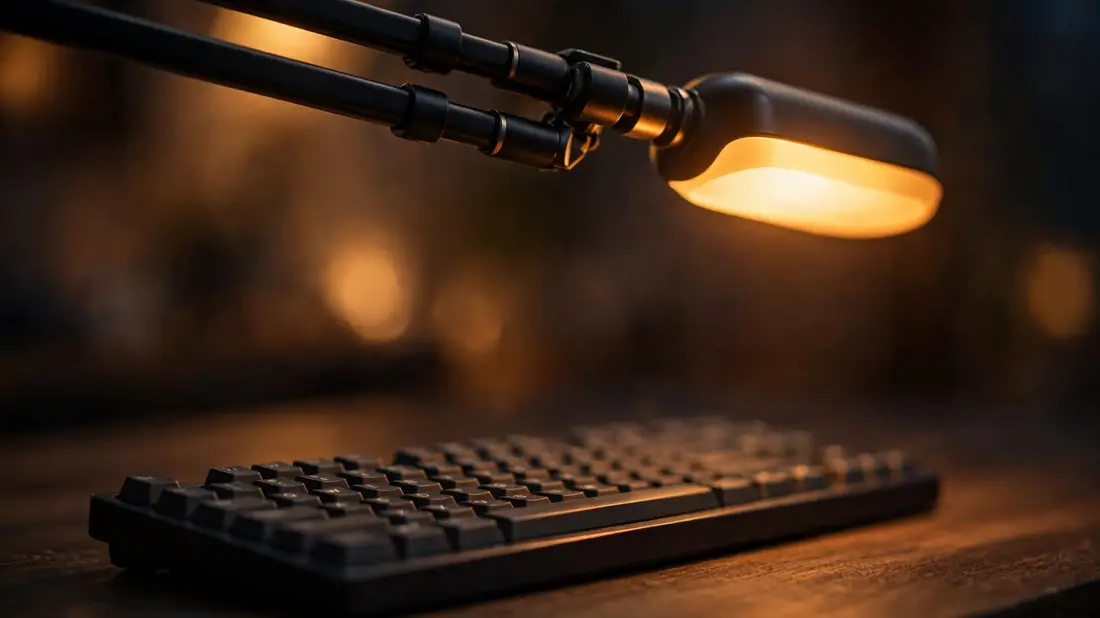
If you remember one section of this article, make it this one. Put the lamp on the side opposite your writing hand — right-handers, lamp goes left — so your hand does not cast a shadow over what you are reading or writing. Keep the shade below your eye level; if you can see the bulb or the bright panel directly, you have it too high or pointed wrong. Never place the lamp directly behind the monitor pointing at your face — that is glare city. And match the room to the screen: in the evening, a warm lamp behind or beside you that lights the room softly does more for your eyes than any upgrade. I have seen people fix an evening of eye ache by turning ON a floor lamp instead of turning up the desk lamp. One more trick if you share a room or work in a corner: angle the lamp so it washes the wall in front of you rather than your keyboard. Bounced light is softer and spreads wider than direct light, which is exactly what tired eyes prefer.
Mistakes Almost Everyone Makes
The biggest one is buying the brightest lamp available, as if eye strain were a darkness problem. It is not. Overly bright is just as tiring as too dim. Second is running cold-white 6500K at night, because the lamp came that way and nobody changed it. Third is the RGB gaming lamp doing desk duty — the colors are fun, but for reading documents you want plain warm or neutral white, not a light show. And the classic: one bright pool of light on the keyboard with the rest of the room pitch black. If your setup looks dramatic in a photo, it is probably terrible for your eyes.
So What Should You Actually Buy?
Match the lamp to your situation, not to a ranking list. Small desk that is already crowded? A clamp lamp or a monitor light bar — the light bar is the neatest option and genuinely eliminates screen glare, though you will pay more for a good one. Working long hours into the evening? Prioritize adjustable color temperature and flicker-free dimming above everything else. Tight budget? Buy any decent dimmable lamp and spend twenty minutes on positioning — a cheap lamp placed right beats an expensive one placed wrong, and this is not close. You do not need to overthink the brand. You need dimming, the right warmth for the hour, and a spot to the side of your work.

The Habit That No Lamp Replaces
Lighting fixes the environment, but your eyes still need breaks. The old rule of looking at something twenty feet away every twenty minutes is not a magic formula, but the underlying idea is right: stare less continuously. I keep a glass of water on my desk and use the refills as an excuse to look away — boring, but it works. Blinking matters too; people blink measurably less at screens, which is half the dryness problem. If your eyes still hurt after a week of better lighting and regular breaks, stop shopping for lamps and book an eye exam. That is not a product problem.
A Quick Shopping Checklist
You do not need to memorize the whole article. When you are looking at a lamp page, run through this.
- Dimmable across a smooth range, ideally down to quite low.
- Adjustable color temperature (2700K to at least 4000K) if you work evenings.
- Flicker-free or DC dimming, especially if dimmed LEDs give you headaches.
- CRI of 90+ is nice-to-have, not essential.
- Shade design that hides the bulb from your eyes — check product photos from the side.
- A head or arm you can actually aim, not a fixed spotlight.
The Bottom Line
Eye strain at the home office desk is usually a lighting-balance problem, not a gadget problem. Fix the free stuff first: kill the glare, stop the lamp shining in your eyes, and light the room so your screen is not a glowing island in darkness. Then, if you are buying, shop for dimming first, adjustable warmth second, and the form factor that fits your desk. Your eyes will tell you within a day or two whether you got it right — they are, inconveniently, excellent reviewers.
✅ Guide4U Checklist
- Kill glare from lamps and windows on screen
- Keep the lamp shade below eye level
- Place lamp opposite your writing hand
- Add soft ambient light for evening work
- Match lamp warmth to the hour
- Look away from the screen regularly
- Book an eye exam if pain persists
Key Takeaways
- Eye strain is a lighting-balance problem, not a gadget problem.
- Smooth dimming is the single most useful lamp feature.
- A cheap lamp placed right beats an expensive one placed wrong.
Frequently Asked Questions
Is a monitor light bar worth it for eye strain?
For small desks, yes — it is one of the few purchases that fixes two problems at once: it frees desk space and lights your work without ever touching your screen, so glare simply does not happen. But it is not magic. If your room is pitch black around the desk, add some ambient light too, because the bright-island problem applies regardless of lamp type.
What color temperature is best for working at night?
Warm, around 2700 to 3000K. Cool white (5000K and up) feels energizing during the day but is harsh late at night and can make it harder to wind down. This is exactly why an adjustable lamp earns its keep — set it neutral for the afternoon, warm for the evening.
Can a desk lamp alone fix my eye strain?
No, and be wary of any article that says otherwise. A good lamp fixes the lighting side of the problem, which is often the biggest side. But if you have persistent pain, headaches, or blurry vision even after improving your setup and taking regular breaks, see an eye doctor — that is a medical question, not a shopping question.
How bright should my desk lamp be?
Roughly 400 to 800 lumens is plenty for desk work. But the number matters less than having a dimmer — too bright is just as tiring as too dim, and the right brightness changes through the day. If you can only pick one feature, pick smooth dimming over maximum brightness.