
Best Free Note-Taking Apps in 2026

Quick Answer
Notion is the best free all-rounder for most people, since it is free for personal use and covers notes, lists, and planning in one app. Obsidian is the best pick if you want private, offline notes you fully own, while Google Keep wins for fast capture and Apple Notes wins on iPhone and Mac.
What Makes a Good Free Note App
A good free note app does one simple thing well: it gets a thought out of your head and back in front of you when you need it. Before you download anything, think about where you actually take notes. A student jotting lecture points on a phone needs something fast and searchable. A writer planning a book needs folders, links between notes, and a calm screen. The free tier should cover the basics without nagging you to pay: plenty of notes, sync across your main devices, search that finds old notes, and a way to export your work. If an app locks sync or export behind a paywall, treat that as a warning sign. Your notes are yours, and a free app should let you keep them.
Notion: The Best Free All-Rounder
Notion is the easiest free pick if you want one app that handles notes, lists, and light planning. The free personal plan gives you unlimited pages and blocks, which is enough for class notes, a reading list, a weekly planner, and a small work project all at once. Linked pages and built-in templates save you from building every page from scratch. The web clipper pulls articles into your workspace in a couple of clicks, and the mobile app syncs with the desktop version. It needs an internet connection for the smoothest experience, and offline use is limited, so it suits people who are usually online. If you want one flexible workspace and you like a clean, blank-page feel, start here.
- Free for personal use, with unlimited pages and blocks
- Databases, tables, and templates for planning projects
- Web clipper saves articles and pages into your workspace
- Works on Windows, Mac, iPhone, Android, and the web
Obsidian: Best for Private, Local Notes
Obsidian keeps your notes as plain text files on your own device, and that is its biggest draw. It is free for personal use, and there is no account forcing you into a cloud plan. Notes link to each other with simple double-bracket links, so over time you build a small web of ideas: a book note can link to an author note, which links to a quote you saved months ago. Search is fast across thousands of notes, and free community plugins add calendars and daily notes. The trade-off is the learning curve. The first screen looks plain, and setting up sync takes a little work. If you care about privacy, offline use, and owning your files, Obsidian is hard to beat.

Google Keep: Best for Quick Capture
Google Keep is the sticky-note app for people who think in short bursts. Open it, type two lines, and you are done. You can color-code notes, add a label like groceries or work, set a reminder tied to a time or a place, and record a voice note that Keep turns into text. A note written on the bus is waiting on your laptop at home. Keep is not built for long essays or linked research notes, and that is fine, because that is not its job. It shines as a capture tool: ideas, shopping lists, addresses, and half-formed thoughts. Pair it with a bigger app for long writing if short notes are not enough.
- Free with any Google account, no paid tier needed
- Color-coded notes, labels, and reminders
- Voice notes with automatic transcription
- Syncs instantly across phone, tablet, and web
Apple Notes: Best Free Option on iPhone and Mac
If you own an iPhone, iPad, or Mac, Apple Notes is already on your device, free, and better than most people realize. It syncs through iCloud, so a note started on your phone is on your Mac a few seconds later. You can lock a note, scan a paper document straight into a note, draw with an Apple Pencil on iPad, and share a folder with a family member for a shared grocery or trip list. Search also finds text inside photos of whiteboards. The weak spot is Windows and Android: you can open Notes in a browser through iCloud, but the experience is clunky. If you live inside Apple gear, there is little reason to pay for anything else.
Microsoft OneNote: Best Free Notebook Structure
OneNote feels like a set of paper notebooks, and that structure clicks for a lot of people. Each notebook holds sections, and each section holds pages, so a student can keep one notebook per class with a section for each topic. The free version works on Windows, Mac, iPhone, Android, and the web, and it syncs through OneDrive. Handwriting with a stylus works well, and you can record audio while you type, which helps in lectures. It also handles web clips, pasted images, and simple tables without a fuss. The interface can feel busy, and sync is not always instant. But if you think in notebooks and sections rather than single pages, OneNote's free tier is generous and steady.
Joplin: Best Free Open-Source Pick
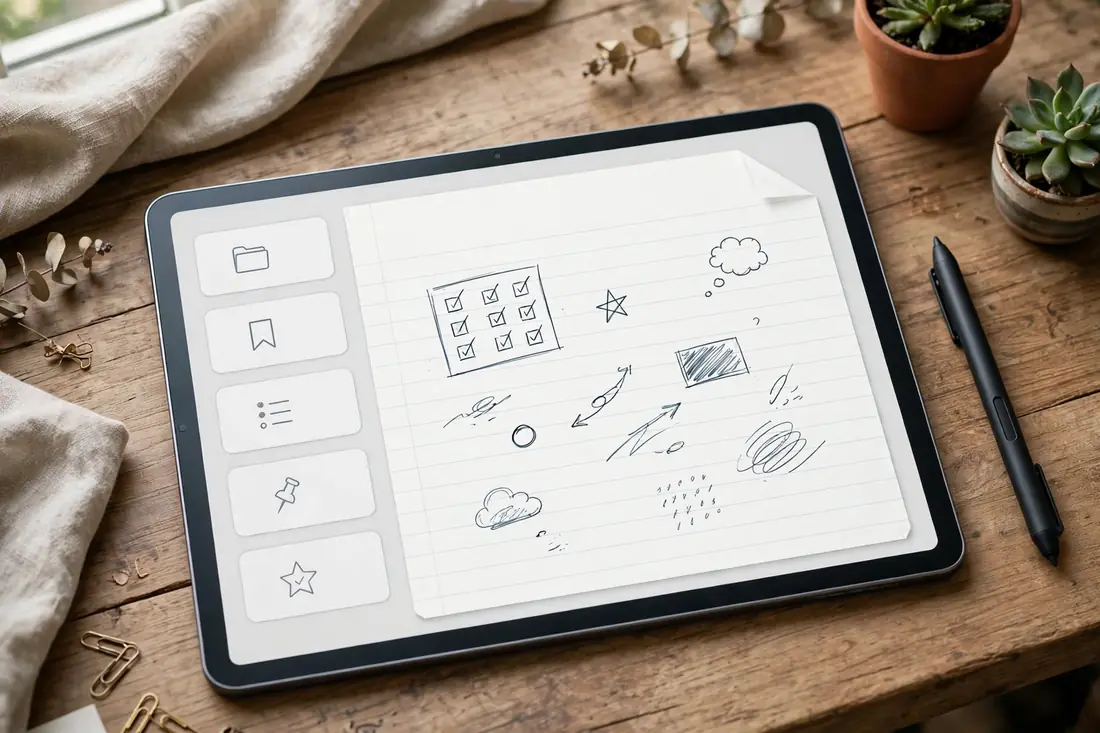
Joplin is the quiet favorite for people who want a solid free app without a company watching over their shoulder. It is free and open source, so there is no premium tier hiding the features you need. You get notebooks, tags, a web clipper, checklists, and full offline use. You can export your notes whenever you like. Sync works with Dropbox or OneDrive, or with your own server if you are comfortable setting one up. It looks plainer than Notion, and its mobile app is functional rather than pretty. But it is honest software: no ads, no tracking, and no surprise paywall. For students and privacy-minded writers on a tight budget, that is a strong deal.
- Free and open source, with no ads or tracking
- Notes stored in a standard format you can export
- Web clipper and offline use included
- Syncs with Dropbox, OneDrive, or your own server
Evernote Free and GoodNotes Free: What the Limits Mean
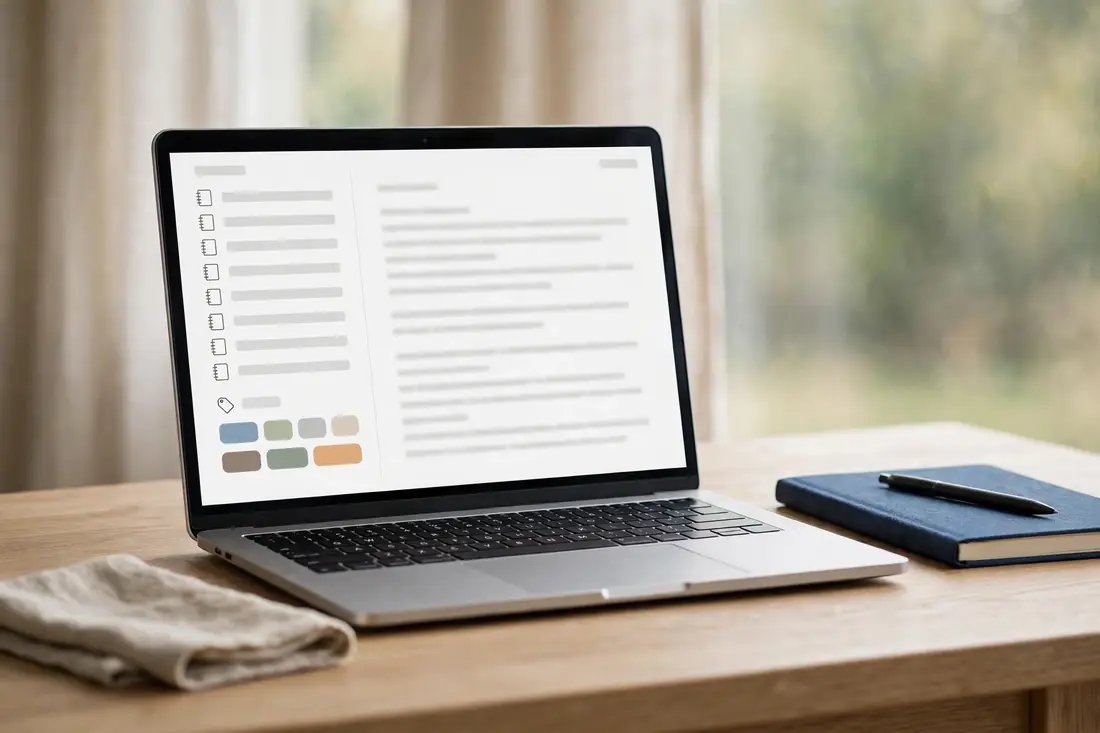
Evernote and GoodNotes both offer a free tier, but the limits matter more than the brand name. Evernote's free tier caps how many notes you can create and how much you can upload each month, and sync is limited to one notebook and one device, so it fits a light user who takes short notes on one phone or laptop. Daily writers on two devices will hit the ceiling fast. GoodNotes is different: its free tier on iPad gives you a few notebooks with full handwriting, shapes, and PDF markup, which is enough to test whether digital handwriting suits you. Heavy note-takers will need the paid version sooner. Neither free tier is a bad deal, but both are try-before-you-buy. Know the limit before you move a whole semester of notes across.
Handwriting, Sync, and Search: The Features That Matter
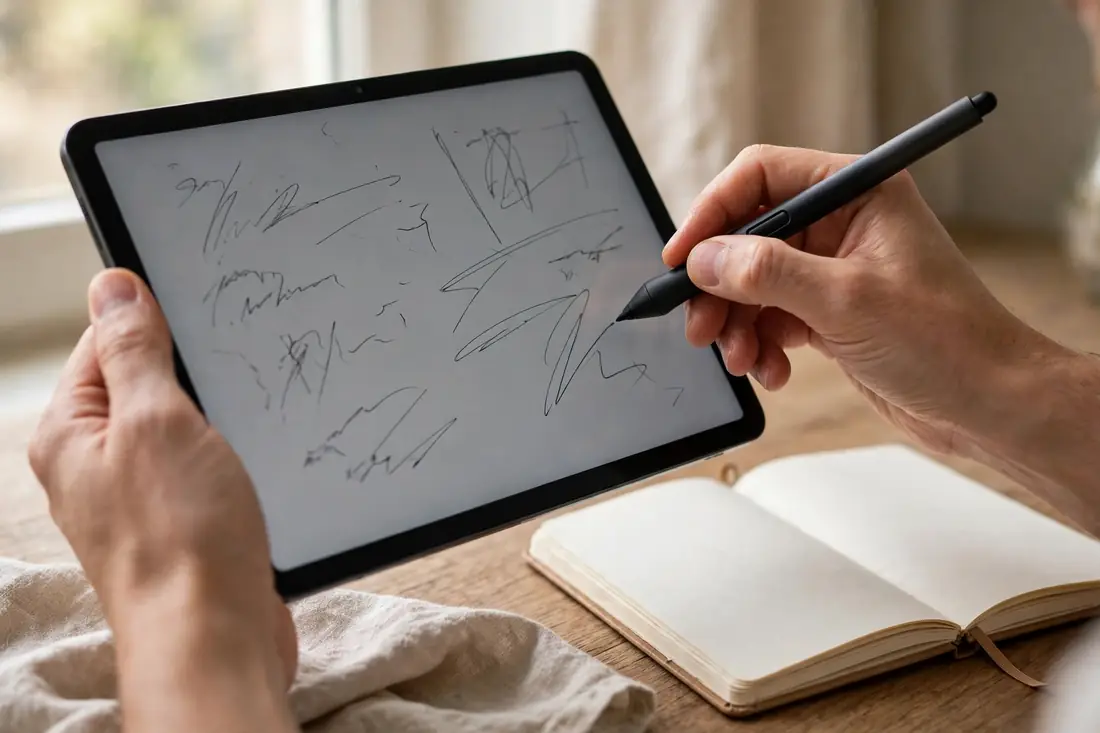
Four features decide whether a note app helps you or slows you down. Handwriting matters if you learn by writing: Apple Notes and GoodNotes feel natural on iPad, OneNote is strong on Windows tablets, and Joplin covers the basics. Sync matters if you switch devices: Keep, Notion, and Apple Notes update quickly, while Obsidian's free sync takes extra setup. A web clipper matters if you save articles and recipes: Notion, OneNote, and Joplin all do it well. Search matters most of all, because notes you cannot find are notes you do not have. Search for a word you wrote last week before you commit; if it finds it in seconds, you have a keeper.
- Handwriting: Apple Notes, GoodNotes, OneNote, and Joplin handle stylus input well
- Sync: Keep, Notion, and Apple Notes sync fast; Obsidian needs a setup step
- Web clipper: Notion, OneNote, and Joplin save pages cleanly
- Search: Obsidian and Apple Notes find text inside images and handwriting
How to Pick Yours and Switch Without Losing Notes
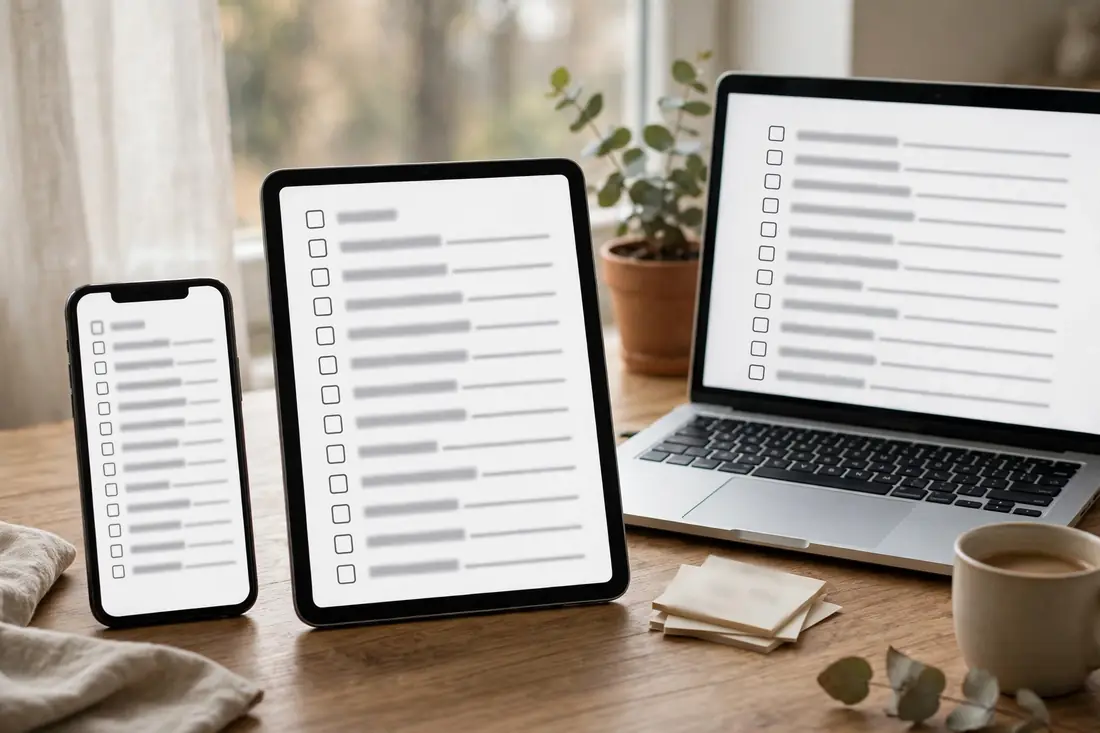
Pick the app that matches your worst day, not your best one. If you mostly write on a phone, choose the app with the fastest mobile capture. If you study with a stylus, pick the best handwriting feel. If you work across Windows and Android, skip the Apple-only picks. Try your top choice for one full week with real notes, not a demo, and check three things: capture speed, sync, and search. Before you switch apps later, export everything from the old one and open the export file to confirm your notes are really there. A five-minute check beats losing a year of notes. The best free app is the one you actually open every day.

✅ Guide4U Checklist
- Pick the app that fits your main device
- Test capture speed for one full week
- Check sync across phone and computer
- Search for an old note before committing
- Confirm you can export your notes
- Keep a backup of every export file
Key Takeaways
- Notion is the best free all-rounder; Obsidian is best for private, offline notes.
- Test capture, sync, and search with real notes for a week.
- Always export and check your notes before switching apps.
Frequently Asked Questions
Which free note-taking app is best overall?
For most people, Notion is the best free starting point because it is free for personal use and handles notes, lists, and planning in one place. Google Keep is faster for quick notes, and Apple Notes is the natural pick on iPhone and Mac. The right answer depends on your devices and how you work, so try your top choice for a week before you settle.
Is Obsidian really free?
Yes, Obsidian is free for personal use, and your notes live as plain text files on your own device. The core app, themes, and community plugins cost nothing. Sync between devices and publishing notes online are paid add-ons, but you can sync your files yourself with a cloud folder. It suits anyone who wants privacy, offline use, and full control.
What is the best free note app for students?
It depends on how you study. Microsoft OneNote is a strong free pick for class notes because its notebook and section layout matches a school term, and it handles handwriting and audio recording. Notion works well for planning assignments and group projects. For handwritten iPad notes, try the free tier of GoodNotes first. Pick the one that matches your classes and stick with it.
Can I switch note apps without losing my notes?
Yes, in most cases. Export your notes from the old app first, usually as text, Markdown, or PDF files, and open the export to check that everything came across. Then import the files and spot-check notes with images or handwriting. Keep a copy of the export as a backup until you are sure everything moved.
What did you think of this article? Share your opinion in the comments below — we would love to hear from you.