
Chromebook vs Windows Laptop for College Students: Which One Should You Buy?

Quick Answer
If your courses run in a browser, a Chromebook saves money and lasts all day on a charge. If any required program only runs on Windows, buy a Windows laptop instead, since that one class settles the choice.
Start With Your Major, Not the Machine
The fastest way to pick the wrong laptop is to start with a spec sheet. Start with your classes instead. An English major who writes essays, reads PDFs, and joins video calls needs something very different from an engineering student who runs simulation software or a design student who edits large video files. Ask your department or check your course pages for required software before you spend a dollar. If every tool your classes use runs in a browser, a Chromebook can carry you through four years happily. If even one required program only runs on Windows, that one class decides the question for you, no matter how much you like the cheaper option.
What a Chromebook Actually Does Well
A Chromebook is a laptop built around the browser, and that focus is its strength. It boots in seconds, updates itself in the background, and rarely slows down over time, because there is very little installed software to rot. Battery life is the other big win: many models run ten hours or more on a charge, which means you can leave the charger in your dorm and still make it through a full day of lectures. They are also light, quiet, and cheap enough that a cracked screen hurts less. For note-taking, research, writing, email, and video calls, a decent Chromebook feels fast, because that is exactly the work it was built to do.
Where Windows Earns Its Higher Price
A Windows laptop costs more because it does more. It runs the full desktop versions of Word, Excel, and PowerPoint, plus specialized programs for coding, statistics, design, music production, and engineering that simply do not exist on ChromeOS. That matters the moment a professor hands you a file that only opens properly in one of those programs, or a lab assignment that assumes you have it installed. Windows laptops also come in a far wider range, from cheap machines that barely scrape by to powerful ones that last years. The extra money buys flexibility: the freedom to install almost anything your degree throws at you, without checking compatibility first.
Battery, Weight, and the Backpack Test
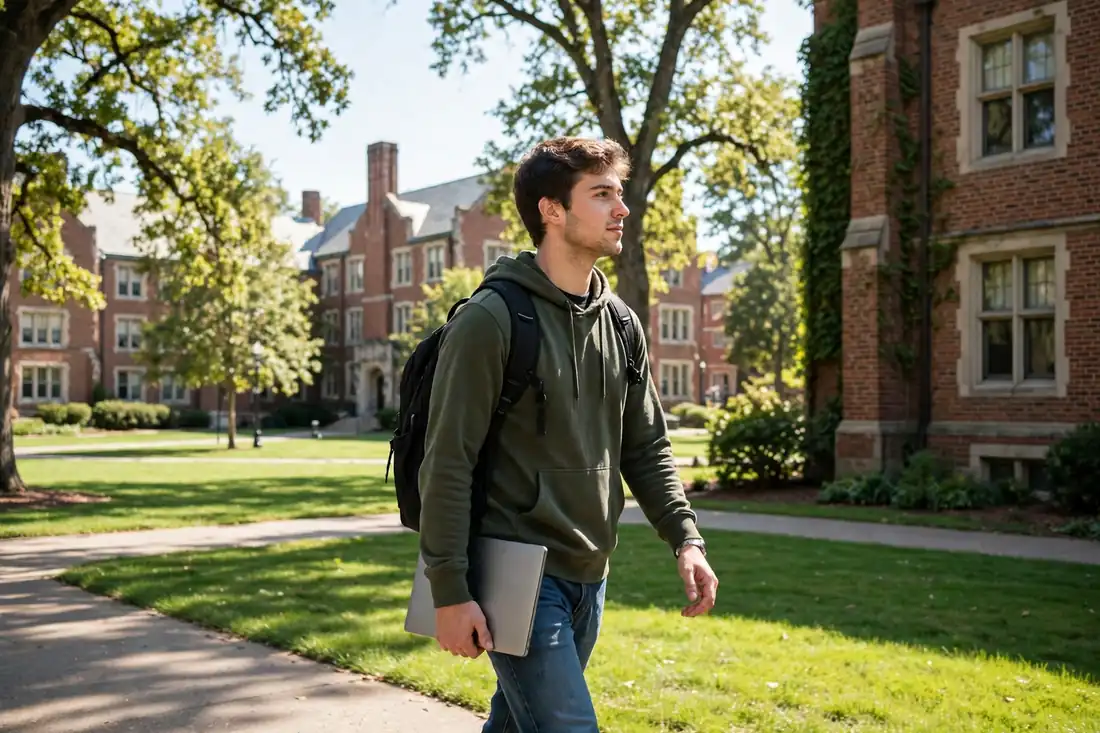
Specs on a web page never tell you what a laptop feels like at 4 p.m. on a long campus day. Before you buy, think about how far you walk between classes and whether you will carry the charger. Chromebooks usually win here, often weighing under three pounds and lasting a full day without a plug. Windows laptops vary wildly: a slim ultrabook can match that, but a budget model with a big screen and a weak battery might die by lunch and drag your bag down all day. If your campus has few outlets in lecture halls, battery life is not a nice extra, it is the feature you will notice every single day.
Software: Check Your Course Requirements First
This one check saves more regret than any other step in this guide. Some schools hand out free Microsoft 365 and Windows licenses, which changes the value math completely. Others run online exams through proctoring software that only works on Windows or Mac, which rules out a Chromebook for test day even if everything else works fine. Write down every program your first-semester courses require, then check each one against ChromeOS. If the list is all web-based, you are free to choose. If it includes even one Windows-only tool, budget for a Windows machine or plan on using campus computer labs for that class.
- Read your course pages for required programs before buying anything
- Ask your department if a Chromebook is accepted for your major
- Check whether your school offers free Windows or Office licenses
- Test your school's exam and proctoring software for Chromebook support
The Price Question, Answered Honestly
A good Chromebook for college usually costs between $250 and $450, while a solid Windows laptop starts around $500 and climbs fast from there. That gap looks huge on a student budget, and it is real money. But the cheapest option is only a bargain if it does the job for four years. A $300 Chromebook that handles every class is a great buy. A $300 Windows laptop with 4 GB of memory and a slow hard drive, on the other hand, will frustrate you daily and may need replacing before graduation. Spend on the machine that fits your courses, not the lowest price tag, and remember that a laptop you replace in year two costs more than the one you bought right the first time.
Storage and the Cloud Trade-Off
Chromebooks usually ship with small drives, often 64 GB or 128 GB, because they expect you to live in the cloud. For most students that works fine: essays live in Google Drive, photos back up automatically, and streaming replaces downloaded media. The catch is offline work. If your campus Wi-Fi drops or you study on a plane, a Chromebook with little local storage can feel cramped fast. Windows laptops typically offer 256 GB or 512 GB, so your files, programs, and projects sit on the machine itself. Either way, keep a backup habit from day one. A free cloud account plus an external drive for big projects covers you on both platforms.

Durability, Repairs, and Four Years of Use
A college laptop lives a rough life: backpacks, coffee, crowded desks, and the occasional drop. Chromebooks are often built from plastic, but their simplicity helps them age well, since there is less software to slow down. One thing to check is the update expiration date, printed on the box or the manufacturer's page: once updates stop, the machine gets less safe to use, so buy one with at least four or five years of support left. Windows laptops vary more in build quality, and a cheap one can develop hinge or keyboard problems early. Whatever you buy, a padded sleeve and a habit of backing up your work matter more than any ruggedness claim on the box.
Who Should Buy Which
Here is the short version. Choose a Chromebook if you write, research, and study in a browser, your courses need no special software, and you want the lightest, longest-lasting machine for the least money. Choose Windows if your major involves coding, design, engineering, statistics, or any program that only runs on a desktop, or if you want one machine to handle both school and heavier hobbies like gaming or video editing. Students in between, like business majors who mostly use spreadsheets and slides, can go either way: check whether your classes need desktop Excel features or are happy with the web version, and let that answer decide.
- Buy a Chromebook if your work is browser-based and your budget is tight
- Buy Windows if your major needs desktop software or exam tools
- Buy Windows if you plan to game or edit video on the same machine
- Buy a Chromebook as a second machine if you already own a desktop
A Simple Decision You Can Make Today
Do not let this choice eat a week of your summer. Spend twenty minutes listing your required software, then match that list to the two options above. If everything is web-based, buy the best Chromebook you can afford with a long update life and at least 8 GB of memory. If anything on the list needs Windows, buy a Windows laptop with 16 GB of memory and a solid-state drive, and skip the cheapest models. Either way, buy from a store with a fair return policy and test the machine hard in the first two weeks: your real classes, your real files, your real workload. That test tells you more than any review ever will.
✅ Guide4U Checklist
- List your required course software first
- Buy Windows if any program needs it
- Pick Chromebook for browser-only coursework
- Choose 8 GB on Chromebook, 16 GB on Windows
- Check the Chromebook update expiration date
- Test the laptop hard in the return window
Key Takeaways
- Your required software list decides the winner, not the price tag.
- Chromebooks win on battery, weight, and price for browser-based work.
- Windows wins on software flexibility for specialized majors.
Frequently Asked Questions
Is a Chromebook enough for college?
For most majors, yes. If your classes run in a browser, Google Docs, and your school's learning platform, a Chromebook handles all of it. Check your course requirements first, though, because a few programs in design, engineering, and data work need Windows-only software.
Can a Chromebook run Windows programs?
No, and that is the main reason to spend more. Chromebooks run web apps and Android apps from the Play Store, but they do not run full desktop Windows programs. If a class requires a specific Windows application, you need a Windows laptop or a school computer lab for that work.
How much RAM does a college student need?
For a Windows laptop, 16 GB is the safe pick if you keep many tabs and apps open at once, and it helps the machine stay usable for four years. For a Chromebook, 8 GB is usually plenty, since ChromeOS is lighter and most of the work happens in the browser.
Is a refurbished laptop a smart buy for college?
Yes, as long as you buy from a seller with a return window and check the machine on arrival. Look at battery health, test every key and port, and confirm the warranty that remains. A used business laptop can be a strong deal, but a used Chromebook with an expired update date is not.
What did you think of this article? Share your opinion in the comments below — we would love to hear from you.