
Best Budget Microphone for YouTube Under $50: What to Look For Before You Buy
Quick Answer
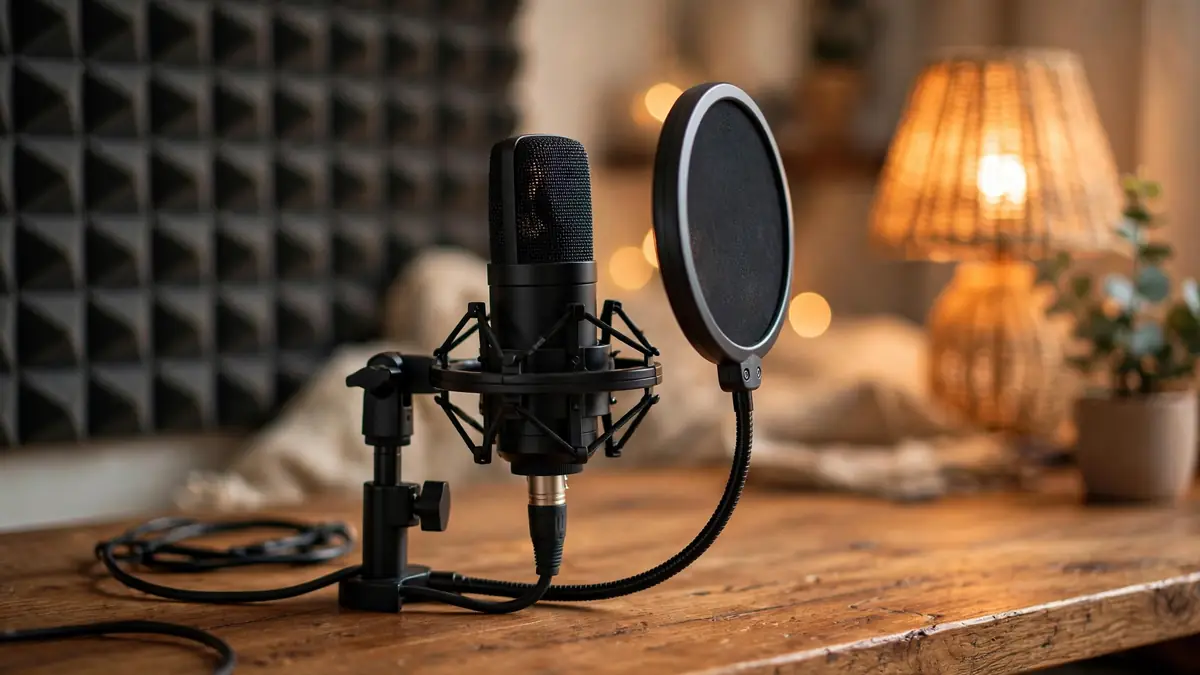
Under $50, a USB condenser is the best all-round pick for desk recording, a wired lavalier wins for on-camera and walking shots, and a shotgun mic suits camera-distance filming. Whichever you choose, record close to the mic in a soft-furnished room -- that free upgrade matters more than any spec.
Why Your Audio Matters More Than Your Camera
Viewers forgive grainy 720p; they click away from bad audio in seconds. Think about the last video you abandoned -- odds are the camera was fine and the sound was thin, echoey, or buried under hiss. Audio carries the feeling of being in the room with someone. A shaky phone frame with a warm, clear voice still feels like a conversation; crisp 4K with a tinny, distant voice feels like a surveillance feed. The microphone is doing the emotional work. Upgrading it is the cheapest confidence boost your channel can get, because every video style -- talking-head, vlog, tutorial, unboxing -- lives or dies on whether your voice is easy to listen to for ten straight minutes.
What $50 Actually Buys in a Microphone
Here is the honest picture. Under $50, you are shopping in the solid-basics zone. You can absolutely get a microphone that records clear, natural voice -- the kind where nobody watching thinks about your gear at all, which is exactly the point. What you will not get is premium build quality, fancy bundled software, or studio-grade quiet in a loud environment. General bands within the range: the cheapest mics often pair basic housings with thinner cables; mid-range options tend to add sturdier stands and slightly better noise rejection; near the top you start seeing small bundles, like a mic plus a boom arm or an accessory kit. Any of these can sound genuinely good. At this price the differences are mostly about durability and extras, not night-and-day sound.
USB Condenser Mics: The Desk-Recording Workhorse
If you film sitting at a desk -- commentaries, reactions, tutorials, talking-head videos -- this is probably your lane. A USB condenser plugs straight into your computer, no extra box of electronics required, and your recording software just sees a microphone. Condensers are sensitive by design, which is the selling point and the catch in one package: they catch your voice in rich detail, and they will also catch your keyboard clacks, the whir of your PC fan, and whatever is happening outside your window. That is why distance and gain matter more than branding. Sit close, about a hand's length away, keep the input level moderate, and you get voice that sounds present and warm. These mics are the default first purchase for a reason: they remove the friction between wanting to record and recording.
Wired Lavalier Mics: The Small Mic That Punches Above Its Weight
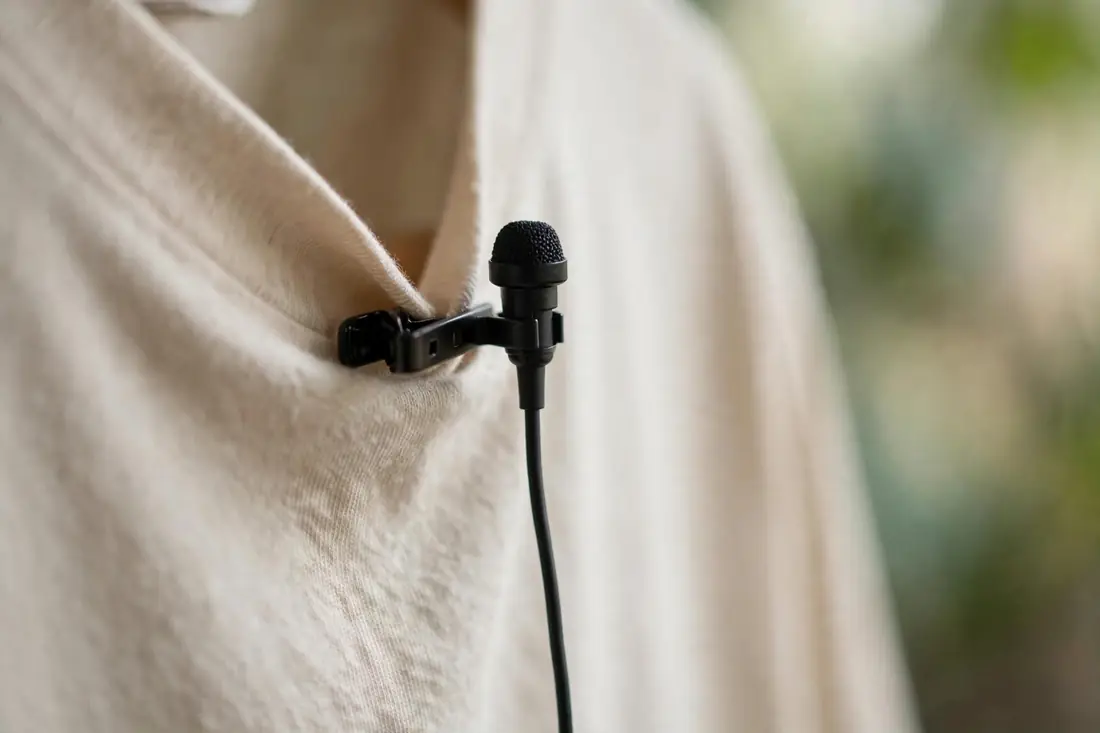
A wired lavalier -- the little clip-on mic you see in interviews -- is the cheapest way to get your microphone inches from your mouth while your camera sits wherever it wants. That proximity does the heavy lifting: every inch closer tilts the balance between your voice and the room's echo in your favor. The wiring is the whole tradeoff. A thin cable runs from the clip to your camera or phone, and cable noise -- that scratchy thump when it rubs against fabric -- is the number-one enemy. Route it under your clothing and use the little pin to hold it still. For walking shots, sit-down interviews, or anything where you move around, a lavalier beats a desk mic every time. Just confirm the plug: phones want the TRRS version, most cameras want TRS.
Shotgun Mics: Distance Without the Mud
Shotgun mics mount on top of your camera and point at whatever is in front of them -- you, across a table, a few feet away. Their pickup is narrow, so they reject sound from the sides: less room echo, less street noise bleeding in, a more focused voice. They are the natural pick for vlogging, run-and-gun filming, and interviews where clipping a lav onto someone would be awkward. The catch is that the narrow pickup is unforgiving. Drift off-axis from your mouth and your voice thins out fast -- like those shots where someone turns their head mid-sentence and suddenly sounds down a hallway. Point it like a flashlight: steady, aimed at the speaker. Do that, and you get the clean distance sound these mics were built for.
Polar Patterns, Explained Without the Jargon
"Polar pattern" sounds technical, but it is only the shape of what a mic hears. Cardioid -- the most common type at this price -- hears mostly what is in front of it and largely ignores what is behind: you talk in front, the humming air conditioner sits behind, problem handled. Omnidirectional hears everything around it equally, which is why lavaliers use it -- when the mic is clipped to your chest, "everything around it" is mostly you. Some mics offer a switch between patterns. Sounds useful, but ask yourself whether you would ever flip it; most creators pick one and never touch the dial again. Cardioid for a desk mic, omnidirectional for a lavalier. Those two terms are enough to read any listing without feeling lost.
The Stuff That Matters More Than Specs: Cables, Mounts, and Plugs
At this price, the unglamorous details decide whether you love your mic or quietly resent it. A crackly cable ruins more recordings than a slightly lesser capsule ever could, and a mic you cannot mount where you need it is a mic you will not use. Before you buy, run down this list -- it matters more than any spec sheet:
- Cable length of a couple of meters, so you can place the mic where it sounds best, not just where it reaches.
- Correct plug: TRRS for phones, TRS for cameras -- check your device, since adapters are cheap but annoying to discover you need mid-shoot.
- A mount that fits your setup: desktop stand, clip, or cold-shoe mount for the camera.
- Power needs: USB mics are plug-and-play; 3.5mm mics may need plug-in power, which most phones and cameras provide.
- Room for a foam windscreen or pop filter -- cheap add-ons that tame harsh pops.
Room Acoustics: The Free Upgrade Nobody Talks About
Here is a truth the gear reviews skip: a $25 mic in a soft room sounds better than a $100 mic in a bare, echoey one. Hard, parallel walls bounce your voice back into the recording as hollow echo -- the classic "bathroom video" sound. You do not need acoustic panels. A rug on the floor, curtains on the windows, a bookshelf behind you, even a closet full of clothes as your recording spot -- all of it absorbs reflections. Set up with your back to soft furnishings and the mic facing you, so most of what reaches it is your direct voice. Do the clap test: clap once in your filming spot. If you hear a bright ring afterward, add softness. Kill the echo and your budget mic suddenly sounds like it costs three times more.
Simple Setup Tips That Make a Budget Mic Sound Expensive
Most "my mic sounds bad" complaints are setup problems, not mic problems. Run through these once and you will hear the difference immediately -- no new gear required:
- Get close: six to eight inches for a desk mic, chest-level for a lavalier. Closer beats more expensive.
- Set input level so your loudest moments peak around three-quarters. Never let the meter slam into red.
- Record at 48 kHz, 16-bit WAV -- or the highest quality setting in your app -- so you have room to edit.
- Silence what hums: fans, air conditioning, the fridge you can hear from two rooms away.
- Speak slightly across the mic rather than straight into it; your plosives will thank you.
Making the Call: Which Type Fits Your Channel
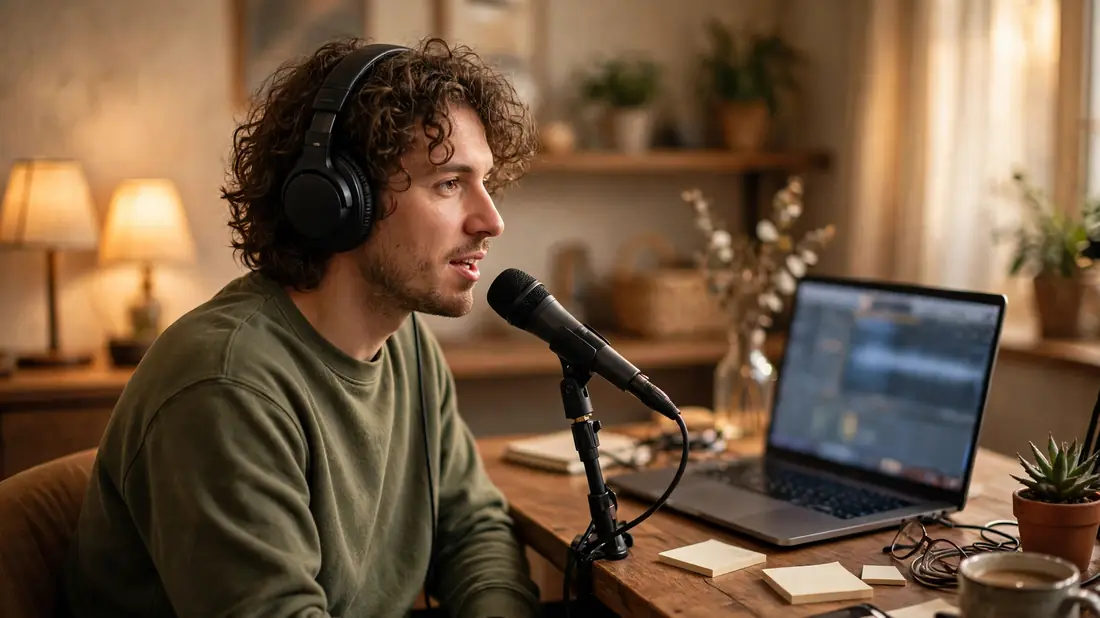
Still undecided? Match the mic to where you film, not to what looks impressive. Desk-bound creators -- commentaries, streams, tutorials -- want a USB condenser and a soft-furnished room; that is the whole formula. If your videos happen anywhere and everywhere, a wired lavalier rides along in your pocket and handles vlogs, interviews, and walking shots without complaint. Camera-first shooters filming subjects a few feet away will be happiest with a shotgun on the hot shoe. If your channel mixes all three, start with the one matching your most common setup -- upgrading later beats freezing up now. The goal is not owning the "best" mic under $50. It is owning a mic that makes recording so easy you stop thinking about audio and get back to making videos. Good sound disappears; only bad sound gets noticed.
✅ Guide4U Checklist
- Pick mic type by filming style, not specs.
- Sit a hand's length from a desk mic.
- Match the plug: TRRS phones, TRS cameras.
- Check cable length before you buy.
- Soften the room with rugs and curtains.
- Record at 48 kHz, 16-bit WAV.
Key Takeaways
- Good audio keeps viewers watching; a good camera only gets them to click.
- Proximity beats price -- a close budget mic sounds better than a distant expensive one.
- Soft rooms and right mic placement are free upgrades with outsized payoff.
Frequently Asked Questions
Can I just use my phone or camera's built-in microphone instead?
You can, and plenty of channels start that way. But built-in mics sit far from your mouth and hear everything: room echo, handling noise, wind. The result is the distant, thin sound viewers call "amateur." A budget external mic's whole advantage is proximity -- it sits near your voice instead of near your lens. If your channel is growing and anyone mentions the audio in the comments, that is your sign to upgrade.
Do I need a shock mount, pop filter, or audio interface with a budget mic?
No -- that is the appeal of this price range. USB mics plug straight into your computer with no interface needed. A shock mount, which isolates the mic from desk vibrations, is nice but optional; a folded towel under the stand works in a pinch. A foam windscreen or pop filter is the one cheap accessory worth grabbing, since it tames plosive pops for a couple of dollars. Buy the mic first and add accessories only if a specific problem shows up.
Will a USB microphone work with my phone for mobile recording?
Usually yes, with a caveat. Most modern phones accept USB mics through a USB-C or Lightning adapter, and many recording apps recognize them. But phone compatibility varies by mic and by app, so check the listing for explicit phone support before you buy. If mobile recording is central to your workflow, a 3.5mm lavalier is often the simpler bet -- it plugs into the headphone jack or a small dongle and just works.
How do I stop background noise without buying anything else?
Start with the free fixes: move the mic closer to your mouth, switch off fans and appliances, close the windows, and record in a smaller, softer room. Most recording software also has a noise-reduction or noise-gate feature -- record ten seconds of room tone, the "silence" of your space, and many apps can learn to subtract it. These steps handle the bulk of everyday noise. If a constant hum survives all of that, the cause is usually a ground loop or a faulty cable, and that is a replacement problem, not a settings one.