
How to Stop Junk Mail and Spam Calls for Good

Quick Answer
Register at donotcall.gov, turn on your phone's silence-unknown-callers setting, and opt out of prescreened offers at optoutprescreen.com. Add DMAchoice for catalogs, ask companies you use to stop mailing you, and never engage with a robocall. Most of the pile and most of the calls fade within a few months.
Why the mail and calls keep coming
Your mailbox and your phone are fed by the same machine: lists. When you buy something, sign up for a store card, or enter a giveaway, your name and address often land on a marketing list, and that list gets sold or rented to other companies. Data brokers piece together public records, warranty cards, and online sign-ups into profiles they sell in bulk. Phone numbers leak the same way: one form, one app permission, one old account, and robocallers can dial thousands of numbers an hour for almost nothing. That is why blocking one number never ends it. The caller just spoofs a new one. The fix is not one trick but a set of opt-outs that shrink the lists themselves, plus phone settings that keep the calls that still slip through from ever ringing.
Start with the National Do Not Call Registry
The National Do Not Call Registry, run by the Federal Trade Commission, is the first opt-out worth your ten minutes. Register your mobile and landline numbers free at donotcall.gov or by phone, and legitimate telemarketers must stop calling you within 31 days. Registration does not expire, so you only do it once per number. It will not stop every call: political campaigns, charities, survey callers, debt collectors, and companies you already do business with are exempt. Still, it cuts the legal telemarketing sharply, and it gives you a clear line for reporting: a sales call that arrives more than a month after you registered is a call you can report with confidence. If you change your number, register the new one right away, and leave the old registration alone, since recycled numbers go to new owners who benefit from the same protection.
Silence unknown callers on your phone
Your phone can do the heavy lifting for the calls the registry cannot stop. On an iPhone, go to Settings, then Phone, and turn on Silence Unknown Callers: calls from numbers not in your contacts go straight to voicemail, and your phone still shows them in Recents. On Android, the steps vary by phone, but the Google Phone app offers spam protection and a spam folder under its settings, and most Samsung and Pixel phones include a similar spam filter. Check your voicemail once a day at first, since a doctor's office or a delivery driver may land there too. Add real numbers to your contacts as they appear, and the filter gets smarter for you over time.
- iPhone: Settings, Phone, Silence Unknown Callers
- Android: Phone app settings, spam protection on
- Check voicemail daily until real callers are saved
- Add doctors, schools, and delivery numbers to contacts

Never engage with a robocall
The worst thing you can do with a robocall is talk to it. Pressing a number to speak to someone, or to supposedly opt out, tells the dialer your number is live, and live numbers get called more. Hang up without a word instead. The same rule covers text spam: do not reply STOP to a message you never signed up for, since scammers use replies to confirm active numbers. Report the call instead. You can report unwanted calls to the FTC at reportfraud.ftc.gov, and you can forward spam texts to 7726, which spells SPAM on a keypad. Your carrier routes those reports into its own filters, so one report helps other customers too.
Opt out of prescreened credit offers
A big share of junk mail is prescreened offers for credit cards and insurance, sent because the credit bureaus put your name on a list of people who meet certain credit criteria. You can take yourself off that list at optoutprescreen.com, the official site the bureaus run together. The online opt-out lasts five years, and you can make it permanent by mailing in the form the site provides. It is free, and opting out does not affect your credit score, since it only stops the marketing use of your file. Expect the offers to taper off over a few months rather than stopping overnight, because some mail was already printed and queued.
Cut catalogs and direct-mail offers
For catalogs and general advertising mail, the Direct Marketing Association runs an opt-out service called DMAchoice. Registering there tells member companies to remove you from their prospect lists for catalogs, magazine offers, and other direct mail. It carries a small fee and takes up to 90 days to show up fully, since catalogs are printed months ahead. It will not stop mail from companies you already buy from, and it will not stop bills, statements, or political mail. Pair it with the next step, contacting the companies you actually use, and the daily pile shrinks to mail you recognize.
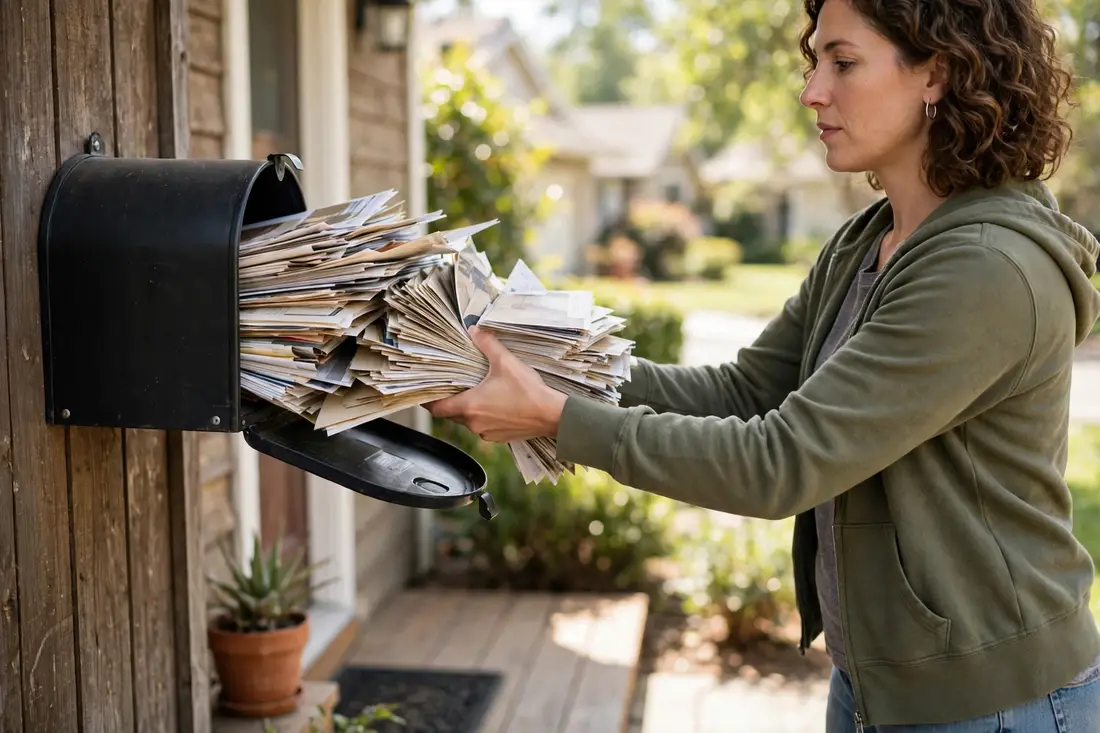
Tell companies you use to stop mailing you
Mail from stores and services you already use needs a direct ask, because opt-out services do not cover existing customers. Log in to each account and look for marketing preferences, email settings, or privacy choices: most large retailers let you turn off postal mail there. For catalogs that keep arriving, call the number on the back page and ask to be removed from their mailing list, and note the date you called. When a company asks why, a simple no thanks is enough. Keep a short running list of who you contacted and when, so you can follow up once if a catalog still shows up after two months.
- Account settings: turn off postal mail and marketing offers
- Catalog back page: call and ask to be removed
- Note the date of each request for follow-up
- Repeat the ask once if mail still arrives
Political and charity mail are harder to stop
Political mail is the stubborn exception, because campaigns work from voter registration rolls, which are public records in most states. You cannot opt out of voter rolls, so you cannot fully stop campaign mail during an election season. You can contact a campaign directly and ask to be removed from its list, and that usually works for that campaign. Charity mail follows a similar pattern: a donation can put you on a shared donor list. When you give, ask the charity not to share your address, and contact any charity whose appeals you do not want and ask to be removed. Giving online with a note against list sharing helps too.
Shrink your footprint going forward
Stopping today's mail matters, but so does giving out less of yourself tomorrow. Use a separate email address for shopping, coupons, and giveaways, so your main inbox and your name stay off the lists those sign-ups feed. Think twice before entering sweepstakes or store raffles: the prize is rarely worth the years of mail that follow. Avoid posting your phone number on public pages, for-sale listings, and social profiles, since scrapers harvest those numbers for robocall lists. When a form asks for your address or number and does not need it, leave it blank or ask whether it is required. A free second number from a calling app can help too: give that number to stores and forms, and keep your real number for people you actually know. Small habits like these keep the lists from refilling.
A monthly routine that keeps it quiet
Opt-outs fade if you never revisit them, so give this a fifteen-minute check once a month. Scan your voicemail for real callers who got filtered, and save their numbers. Flip through the week's mail and note any new sender, then ask that sender to stop. Check that your phone's spam filter is still on after software updates, since settings sometimes reset. Re-check the registry and prescreen opt-out only if you change numbers or move house. Done monthly, this routine holds the line: the pile stays small, the phone stays quiet, and each new list gets cut off before it grows.
- Save real callers from voicemail to contacts
- Note each new mail sender and ask it to stop
- Confirm spam filters after phone updates
- Re-check opt-outs only after a move or new number
✅ Guide4U Checklist
- Register every number at donotcall.gov
- Turn on silence unknown callers
- Hang up on robocalls without engaging
- Opt out at optoutprescreen.com
- Register at DMAchoice for catalogs
- Ask your own stores to stop mailing you
- Recheck filters monthly after updates
Key Takeaways
- Junk mail and spam calls both run on lists; opt-outs shrink the lists.
- Silencing unknown callers beats blocking numbers one by one.
- A monthly fifteen-minute check keeps the quiet going.
Frequently Asked Questions
Does the Do Not Call Registry stop all spam calls?
No. It stops sales calls from legitimate telemarketers, and it works well for those, but it does not cover scammers, who ignore the law anyway, or exempt callers like charities, political campaigns, and companies you do business with. Pair it with your phone's silence-unknown-callers setting, which handles the rest, including the illegal robocalls the registry cannot reach.
Why do spam calls come from my own area code?
That is neighbor spoofing. Robocallers fake the caller ID so it looks local, because people answer local numbers more often. Your phone cannot tell the difference, which is why silencing unknown callers works better than blocking numbers one by one: the spoofed number changes every time, but the filter catches all of them.
Is OptOutPrescreen safe, and will it hurt my credit score?
Yes, it is safe, and no, it will not hurt your score. Optoutprescreen.com is the official site run by the credit bureaus, and opting out only stops the marketing use of your credit file. It does not close accounts, change your credit history, or lower your score. Lenders can still check your credit when you apply for something yourself.
Can I stop political mail completely?
Not completely. Campaigns use voter registration rolls, which are public records, so election-season mail reaches nearly every registered voter. You can reduce it by asking individual campaigns to remove you, and by asking charities and organizations not to share your address, but some campaign mail will still arrive in the weeks before an election.
What did you think of this article? Share your opinion in the comments below — we would love to hear from you.